
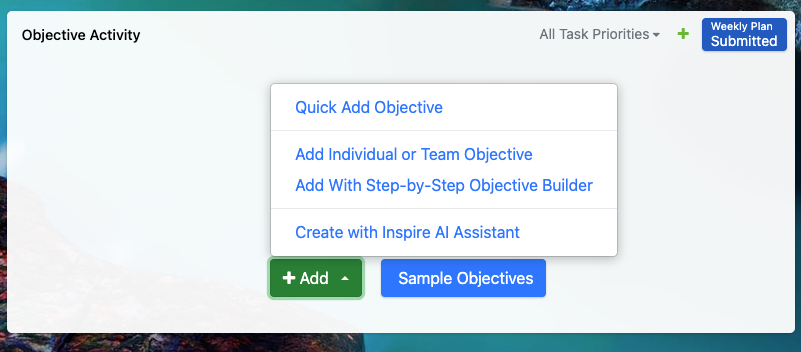
Look for the + Add Objective button to get started.
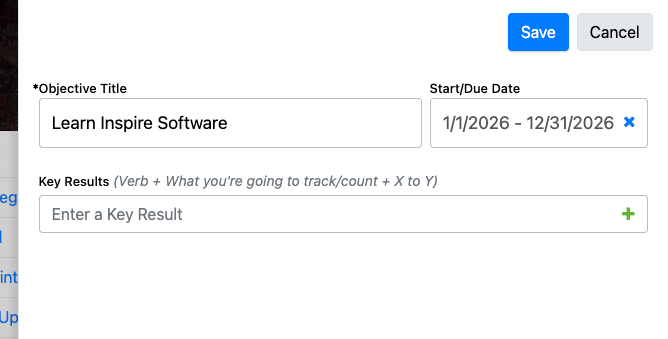
Enter an Objective Title - Start and Due Date - Key Results - Save
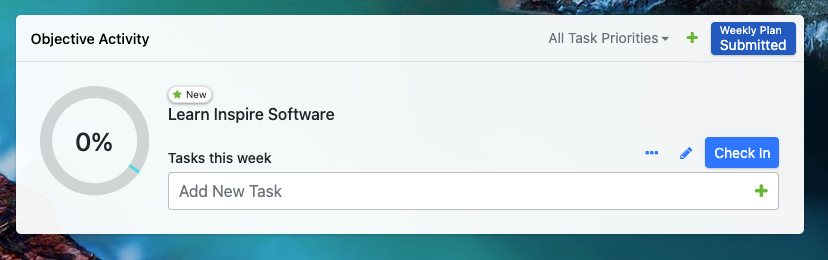
Your Objective will populate within the Objective Activity Widget and your My Objectives
Utilize the pencil icon to Edit to add a Description and Alignment
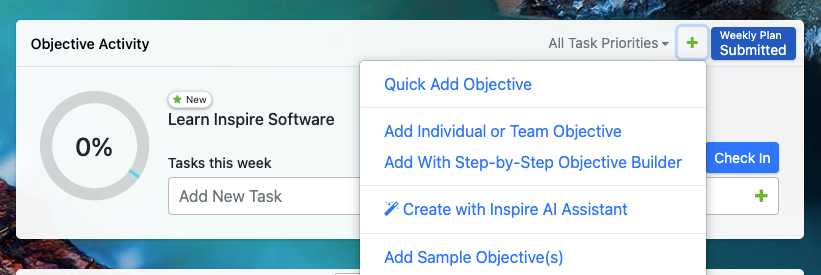
Add more Objectives from the Objective Activity Widget - Green +
In My Objectives by clicking the Green Add button

Please reach out to support@inspiresoftware.com with any questions.