
Note: You must have Performance Administrator or Administrator permissions to set up terminology for your organization.
Navigate to Administration -> Performance -> Management -> Terminology.
Define the term(s) used for your organization's performance management Summary tab.
- Contribution Comments: Define the title of the field and instructions for cycle participants.
- Improvement Comments: Define the title of the field and instructions for cycle participants.
- Grade Sheet: Define the term(s) used for your organization’s Performance Management Grade Sheet(s).
- Employee: Define the term(s) used for Employee and Supervisor.
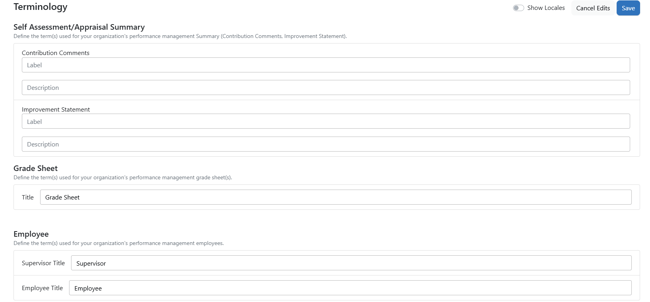
Click Save when finished to apply changes for all performance cycles.